
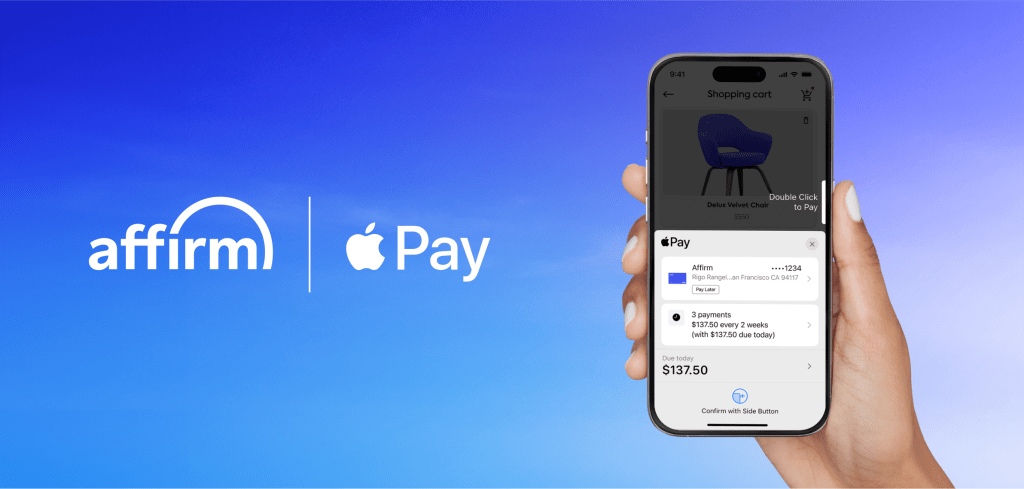
Shoppers can now use Affirms pay-later services when making in-store payments with Apple Pay. With the new feature, approved Apple Pay users can use Affirm to opt to split eligible in-person purchases into biweekly or monthly payments from 0% APR to 36% APR.
While Affirms installment options were previously limited to Apple Pay online purchases, shoppers can now use them in physical retail stores as well. Apple briefly ran its own Apple Pay Later program but has since ended it in favor of teaming up with third-party providers.
- To add Affirm to Apple Wallet for in-store purchases, users can:
Open Apple Wallet on your iPhone (iOS 26 or later) and tap the Add (+) button. - Select Pay Later Options and choose Affirm.
- Follow the steps to finish setup.
To use Affirm on Apple Pay in stores, users can:
- Double click the side button of your iPhone (iOS 26 or later) and select Affirm.
- Select Pay Later, then follow the steps for Affirms quick eligibility check. If approved, choose the personalized payment plan that works best.
- To complete your purchase with Apple Pay, authenticate using Face ID, Touch ID, or your passcode and then hold your iPhone near the reader

 GizMunch
Leave a comment