
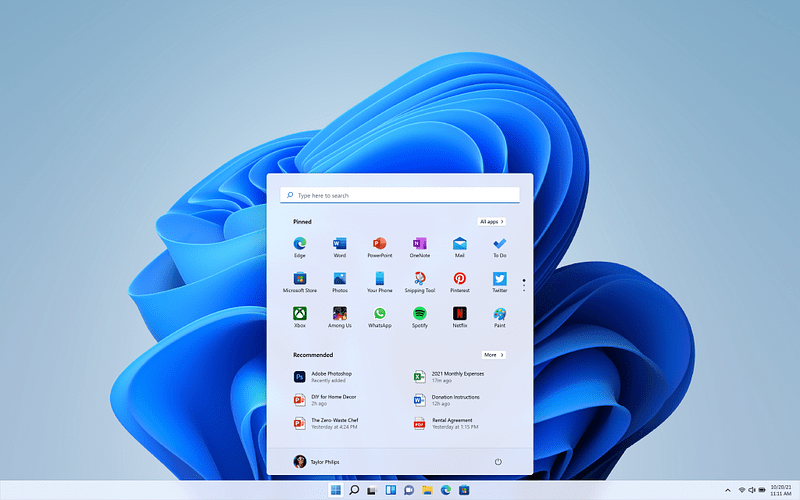
The beginning of this year has witnessed a period of silence and discomfort for Microsoft’s primary operating system, Windows. Recent entry of Apple’s new MacBook Neo have notably disrupted the Windows PC market, with remarks from the CEO of ASUS who indicated that this development serves as a wake-up call for Microsoft.
In a rather interesting development recently, changes in the Copilot and Xbox division and now Windows are coming later this year, with the latter having released a statement article about improving the Windows quality.
A movable taskbar (Finally)
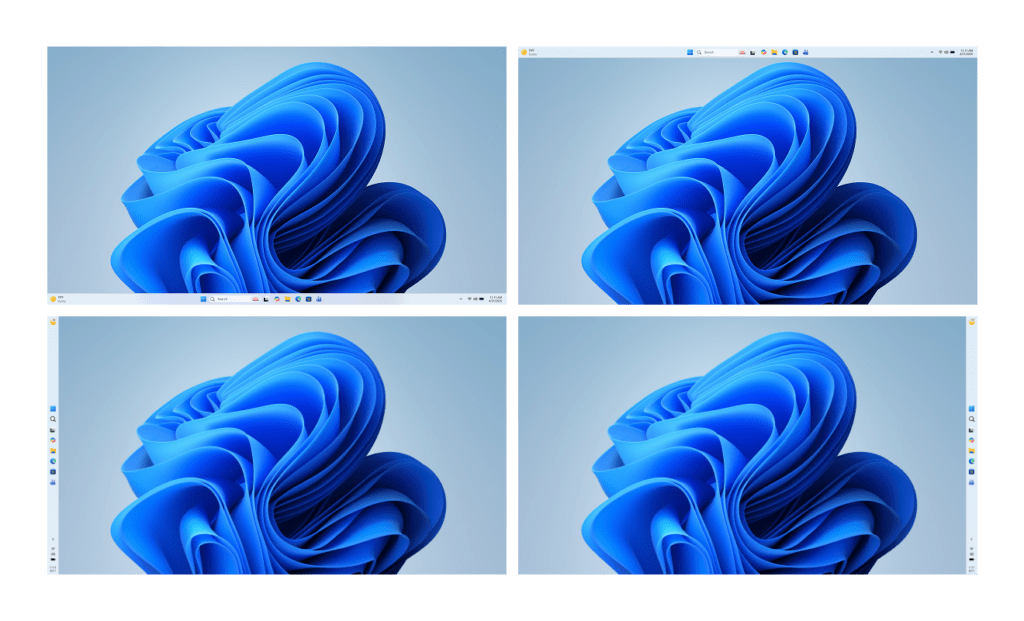
Source: Windows Insider Program
The first significant and long-awaited modification pertains to the Taskbar. Microsoft is at last reintroducing the functionality to reposition the Windows taskbar to the upper or lateral edges of the screen.
“Repositioning the taskbar is one of the top asks we’ve heard from you,” says Windows chief Pavan Davuluri. “We are introducing the ability to reposition it to the top or sides of your screen, making it easier to personalize your workspace.”
The forthcoming modification to the taskbar will be accessible to Windows Insiders in the upcoming weeks, prior to being deployed to all Windows 11 users later this year. Furthermore, Microsoft is actively developing a condensed version of the taskbar, which will be offered as an optional feature later this year.
Less of Copilot where it’s not needed
The Windows development team says they’re taking a more careful approach to integrating Copilot across Windows, focusing on creating experiences that are truly useful and thoughtfully designed. They’re simplifying how users access Copilot, starting with apps like Snipping Tool, Photos, Widgets and Notepad.
Windows Updates, soon to be less disruptive
Windows Update has long been one of the most frustrating parts of the OS, but Microsoft is finally making meaningful changes to improve the experience. With upcoming updates, users will gain more control, including the ability to skip updates during setup (OOBE) to reach the desktop faster, restart or shut down without being forced into installing updates and pause updates for extended periods when needed.
Alongside this, Microsoft is working to make updates more predictable and less disruptive by reducing unnecessary restarts and minimizing intrusive notifications, ultimately creating a smoother and more user-friendly update process.
File Explorer getting improved performance
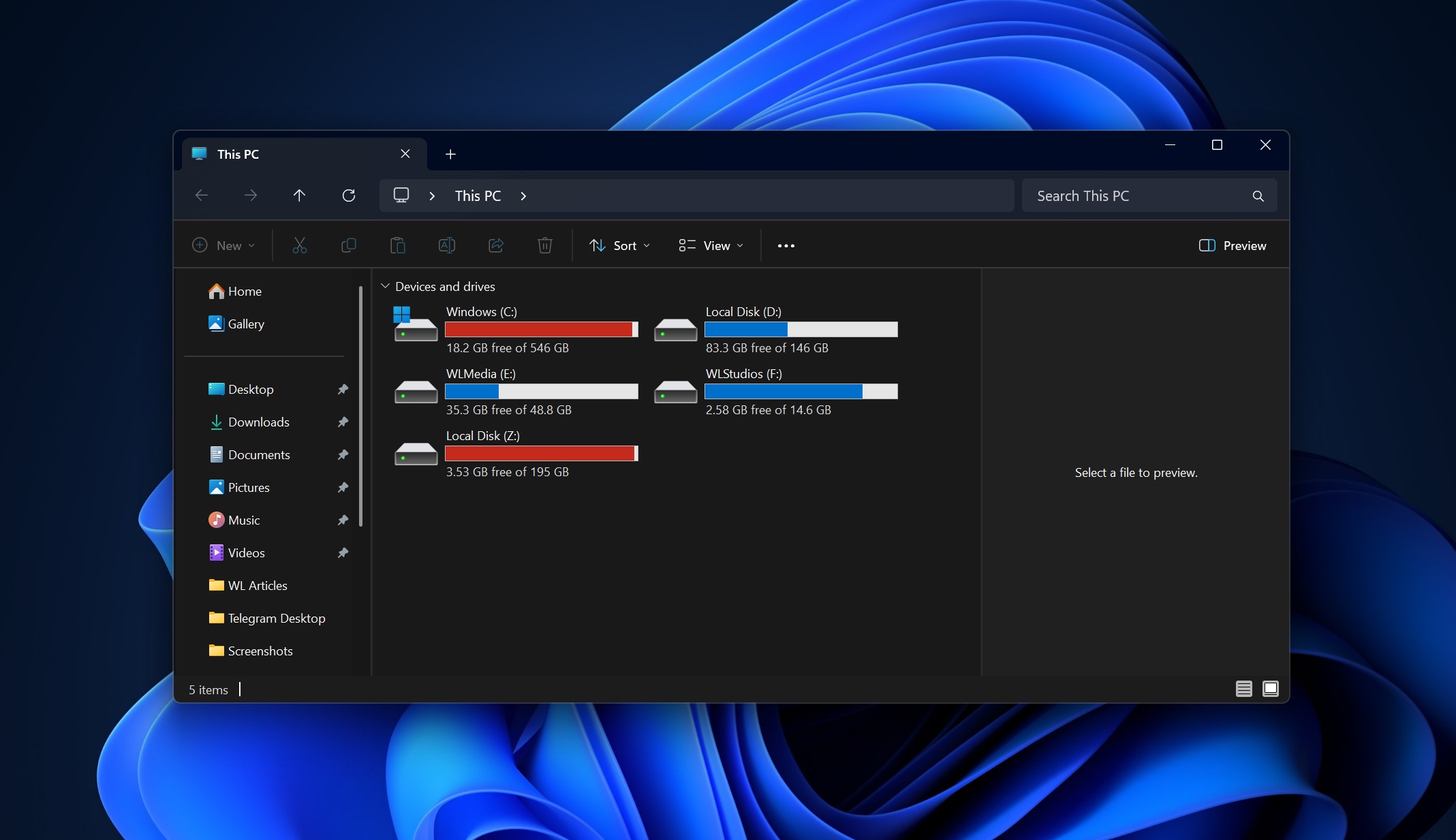
File Explorer, despite being one of the most frequently used features in Windows, has also been one of the most criticized aspects of Windows 11, but Microsoft is finally stepping in to fix that.
The company is working on improvements like faster launch times, reduced UI flicker and smoother overall navigation, addressing the inconsistencies that many users – especially those coming from Windows 10 – have noticed. The goal is to make everyday file operations feel reliable and seamless again and from what Microsoft has shared, this is only the beginning, with even more enhancements expected in future updates.
More control over widgets and feed experiences
Widgets in Windows 11 have honestly never felt as useful as they did back in Windows 7, but Microsoft is finally recognizing that and making some changes. The company is dialing things back by introducing quieter defaults, improving personalization and giving users more control over when and how widgets appear. The Discover feed is also being refined to feel less like a cluttered content dump and more like something genuinely worth checking at a glance.
Feedback Hub is getting a major redesign
If Microsoft is serious about listening to users, the Feedback Hub needs to deliver…and it finally looks like that’s happening. The app is getting its biggest redesign yet, with faster feedback submission, a cleaner interface and improved ways to engage with the community, all aimed at making it easier to use and helping rebuild trust with users.
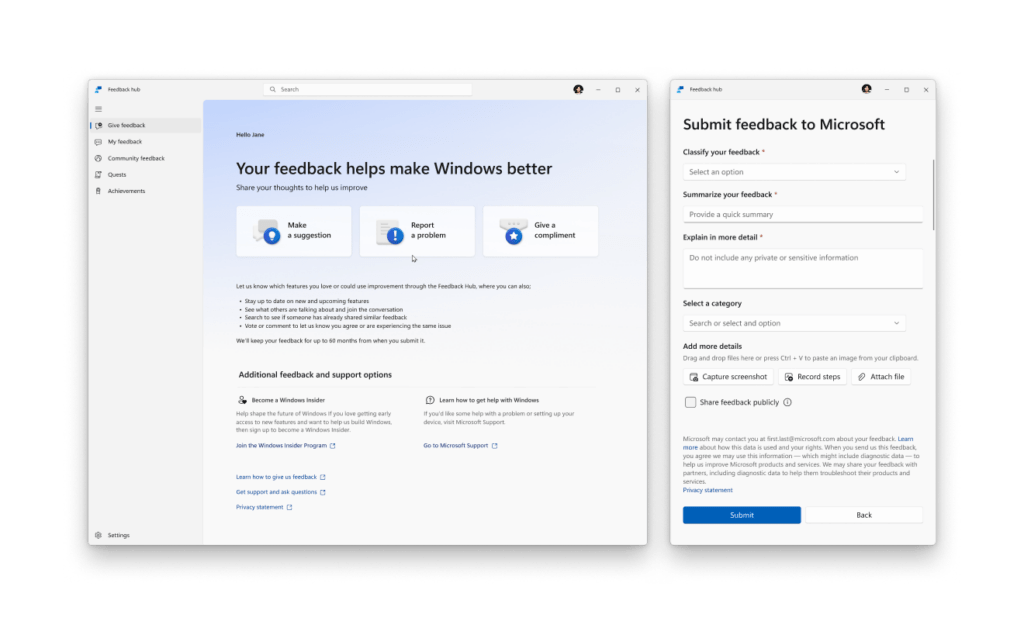
These updates are rolling out to Windows Insiders in March and April 2026, alongside improvements to the Windows Insider Program itself, including simpler ways to choose the right channel, better-quality builds and more visibility into how feedback actually shapes Windows, plus more opportunities to interact with the development team.
And while it might sound a bit too good to be true, these changes are already in motion and expected to reach users soon; just the beginning of a larger push by Microsoft to improve performance, reliability and the overall day-to-day Windows experience.
Windows 11 2026 Roadmap : Enhanced Performance, Reliability and Comprehensive User Experience Overhaul
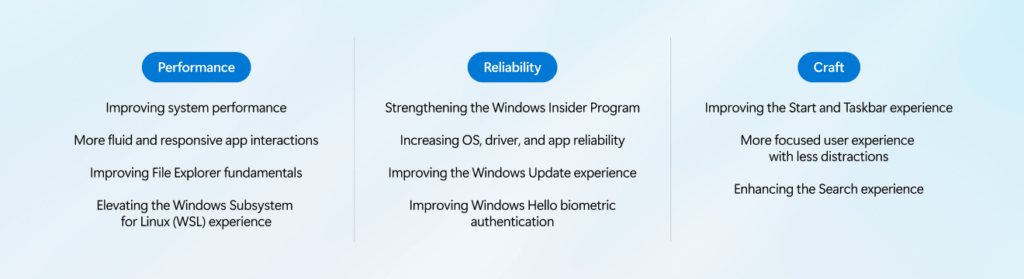
Microsoft is outlining a broader push to refine Windows 11 this year, with a clear focus on performance, reliability and overall experience quality; areas that directly shape how fast, stable and consistent the OS feels in everyday use.
On performance, improvements are being made to keep the system more responsive and efficient, including reduced resource usage, better memory management and smoother app interactions. Core areas like File Explorer and the Windows Subsystem for Linux are also being optimized, with faster file operations, lower latency and improved cross-platform performance expected over time.
Reliability is being positioned as a core priority, with efforts aimed at reducing system crashes, improving driver and app stability and delivering more consistent hardware interactions across devices. The Windows Insider Program is also being refined, with clearer expectations, higher-quality builds and stronger feedback loops intended to improve overall release quality before updates reach the general public. Updates themselves are expected to become less disruptive, with fewer forced restarts and more control over timing.
On the experience side, Microsoft is placing emphasis on “craft” focusing on usability, polish and personalization. Changes are expected across the Start menu and Taskbar, with more flexibility and customization, alongside a quieter, less distracting experience overall. Widgets, notifications and setup processes are being streamlined, while search is being improved to deliver faster, clearer and more consistent results across the system.
Behind the scenes, Microsoft says it is reworking how Windows is developed and tested, with broader real-world validation and a more deliberate rollout of new features.
The goal is to deliver higher-quality updates, more meaningful improvements, and a more predictable experience over time while continuing to build in stronger security measures as part of its ongoing platform updates.


 GizMunch
Leave a comment